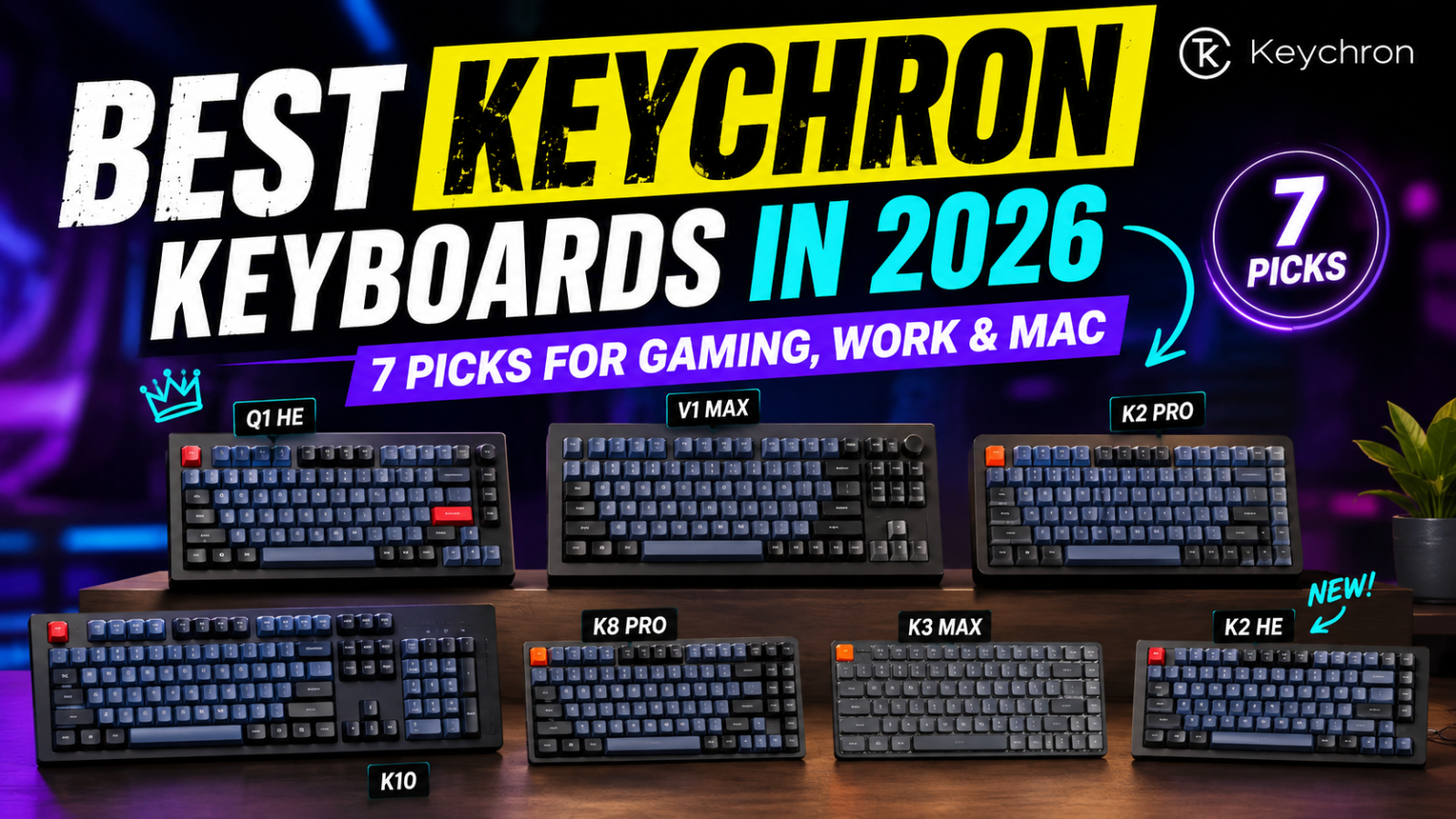
Best Keychron Keyboards in 2026: 7 Picks for Gaming, Work & Mac
.png)
Best Keychron Keyboards in 2026: 7 Picks for Gaming, Work & Mac
Keychron makes enough keyboards to turn a simple shopping trip into an alphabet quiz. Q, V, K, Max, Ultra, HE — and that is before you even choose a layout.
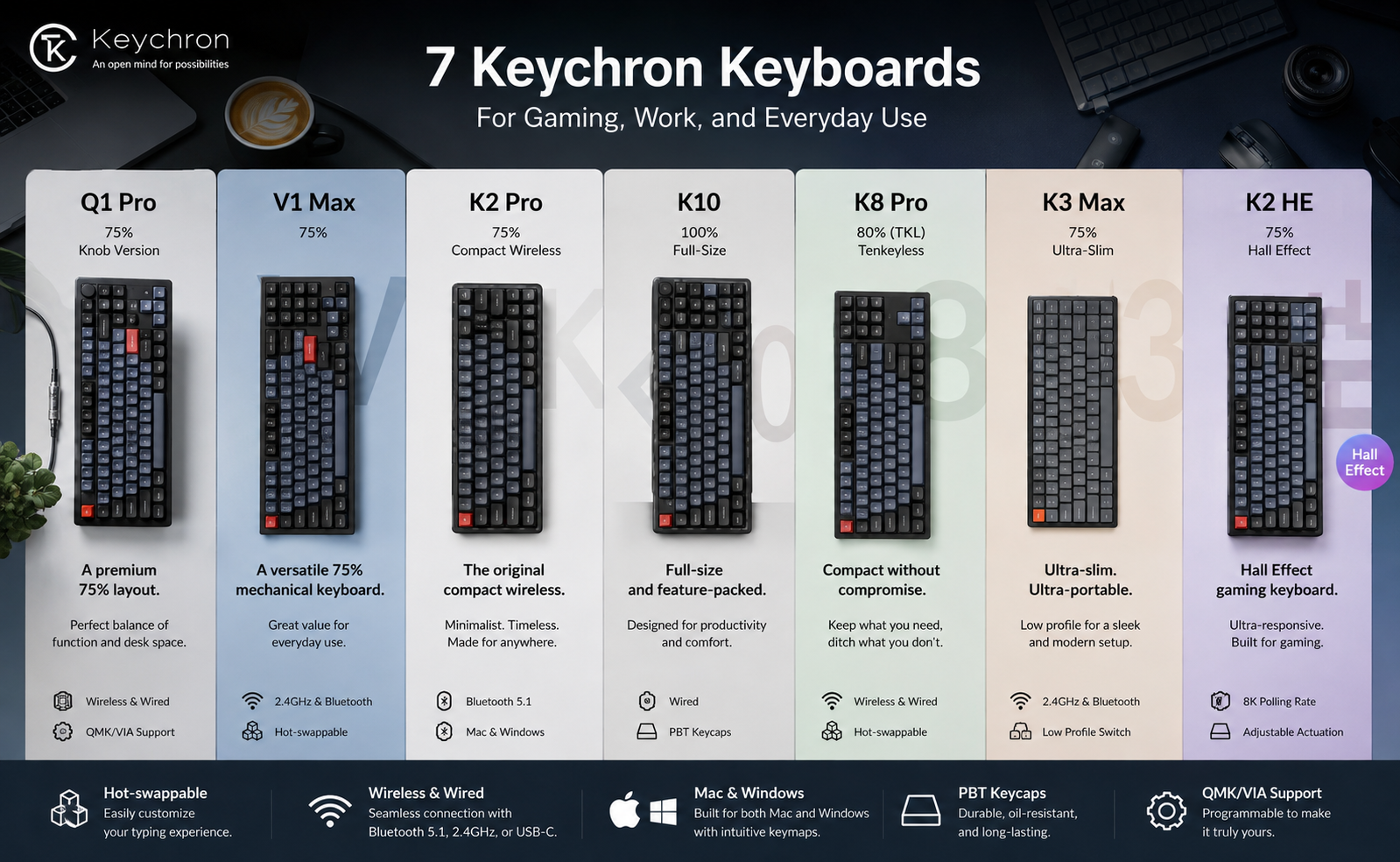
The good news is that you do not need to understand every Keychron model. We narrowed the current lineup down to seven options that make the most sense for different buyers, from premium mechanical boards and Hall Effect gaming keyboards to slim office models.
|
Affiliate Disclosure: GoldifyReview may earn a commission from qualifying purchases at no extra cost to you. |
Quick picks
|
Best for |
Our pick |
Why it stands out |
|
|
Best overall |
Premium aluminum build, excellent typing feel, wireless |
||
|
Best value |
Strong performance without Q-series pricing |
||
|
Best for gaming |
Magnetic switches, Rapid Trigger, adjustable actuation |
||
|
Best TKL |
8K wireless, hot-swap, strong all-round feature set |
||
|
Best low-profile for Mac |
Slim 75% design, Mac support, portable |
||
|
Best for work |
Quiet, slim, full-size and affordable |
||
|
Best cheap wired |
Simple TKL mechanical board with 8K polling |
||
|
|
|||
Still deciding whether Keychron is the right brand for you? Read our Keychron review for a closer look at build quality, customization, warranty, returns, and customer support.
|
Seven Keychron keyboards for gaming, work, and everyday use. |
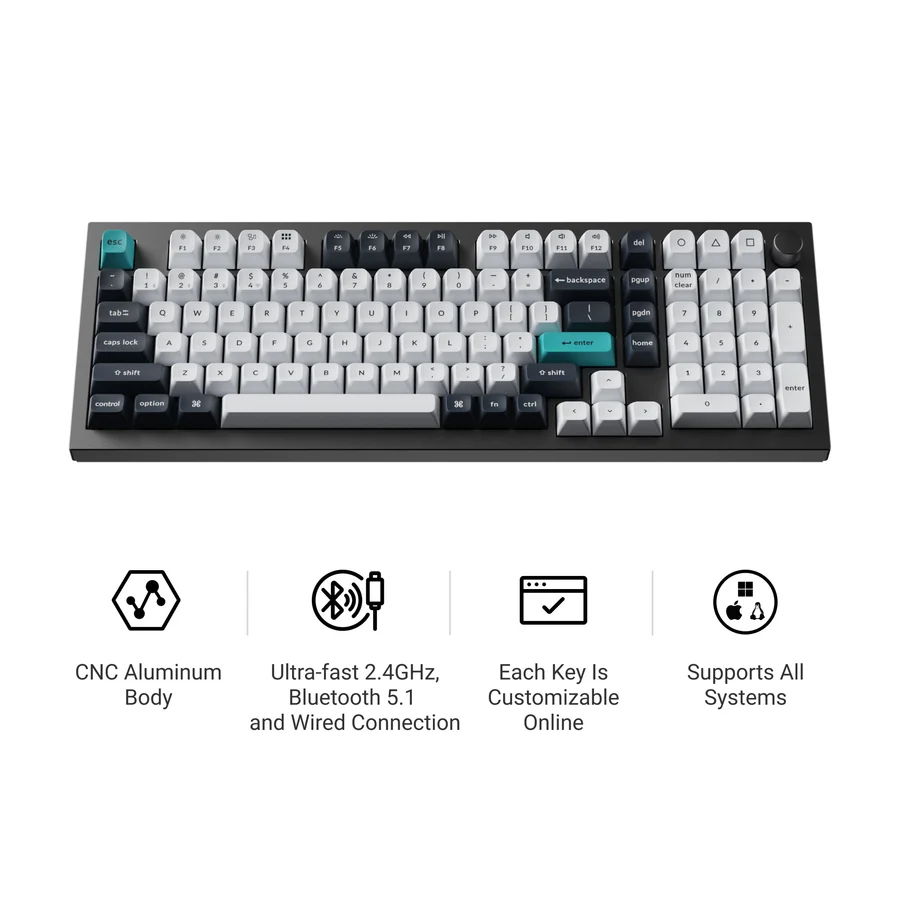
1. Keychron Q5 Max — Best overall
The Q5 Max is our top Keychron pick for buyers who want the premium experience without moving into a barebones custom build.
Its 96% layout keeps a numpad while taking up less space than a traditional full-size keyboard. The aluminum case, double-gasket construction, acoustic foam, PBT keycaps, hot-swappable switches, and 2.4 GHz/Bluetooth/wired connectivity give it a much more enthusiast-oriented feel than a typical mainstream keyboard.
It is also highly customizable and works with macOS, Windows, and Linux.
The downside? It is heavy — very heavy — and premium Q-series pricing is unnecessary if you mainly want a reliable keyboard for email and spreadsheets.
|
Best for: |
enthusiasts, writers, programmers, and buyers who prioritize typing quality. |
|
Main drawback: |
expensive and much heavier than plastic Keychron models. |
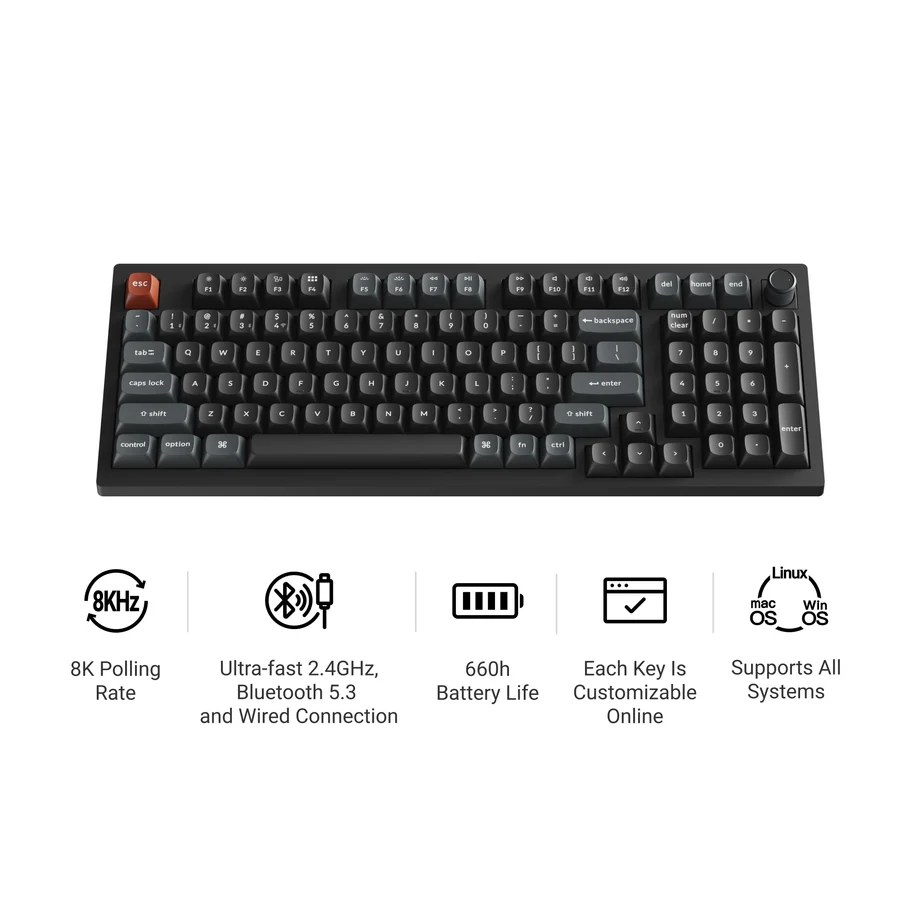
2. Keychron V5 Ultra 8K — Best value
The V5 Ultra 8K is the model we would look at first if the Q series feels excessive.
You still get a compact 96% layout, gasket mounting, hot-swappable mechanical switches, PBT keycaps, wireless connectivity, and Keychron Launcher customization. The major compromise is the plastic body instead of the Q series’ aluminum construction.
The newer Ultra version also brings ZMK firmware and up to 8,000 Hz polling over wired and 2.4 GHz connections.
That makes it unusually versatile: it can handle office work, customization, and gaming without forcing you into a premium metal chassis.
|
Best for: |
buyers seeking the strongest balance of features and cost. |
|
Main drawback: |
does not feel as premium as the Q series. |
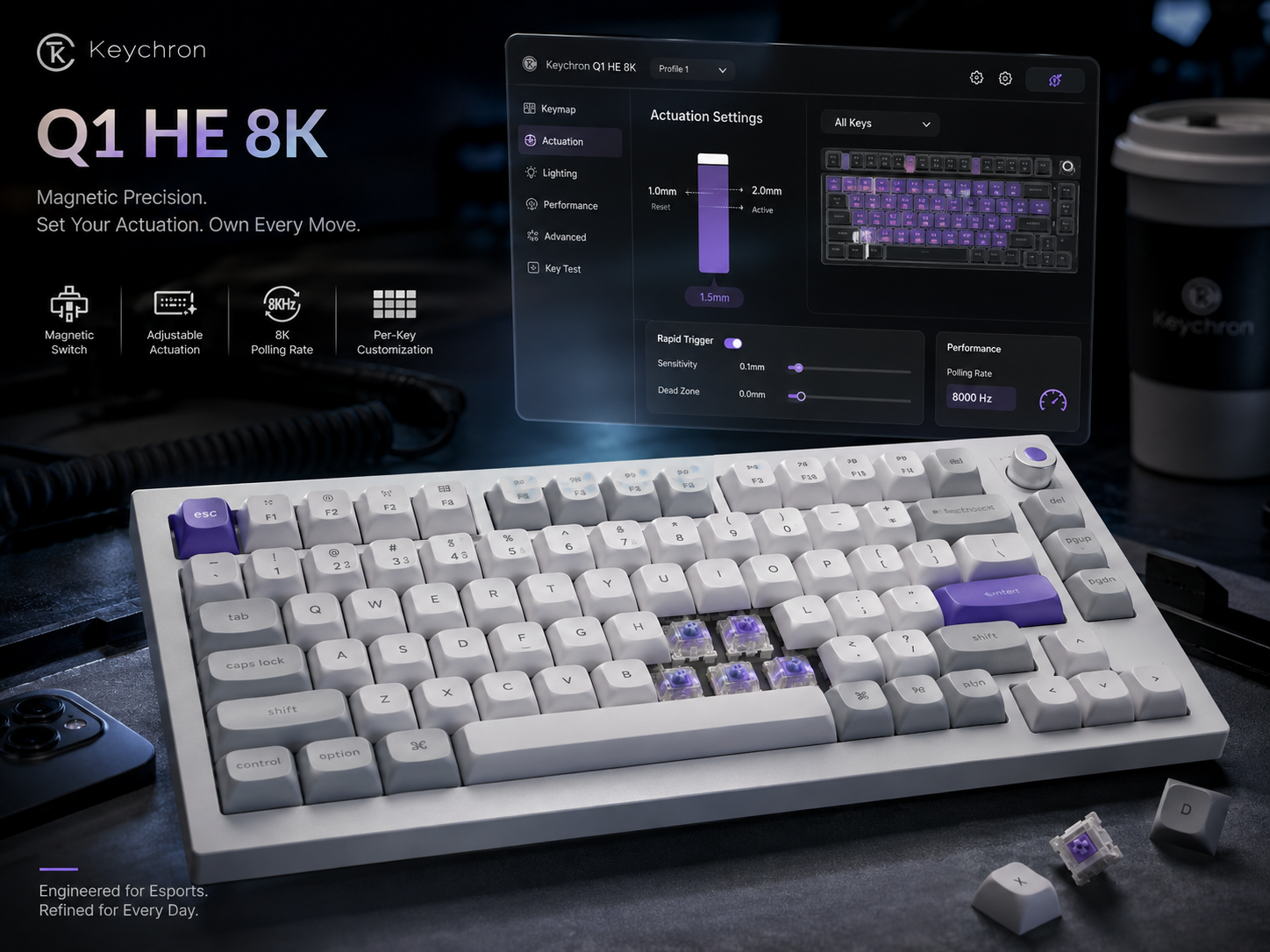
3. Keychron Q1 HE 8K — Best for gaming
If competitive gaming is the priority, the Q1 HE 8K is the most specialized Keychron on this list.
Instead of conventional mechanical switches, it uses magnetic switches with adjustable actuation. Features such as Rapid Trigger let keys reset based on movement rather than a fixed reset point, which can be useful for fast repeated inputs in FPS and rhythm games.
It also combines an 8,000 Hz wired polling rate with a full aluminum body, gasket mounting, PBT keycaps, and a compact 75% layout.
There is one important trade-off: the Q1 HE 8K is wired-only.
|
Best for: |
competitive gamers who want Hall Effect features in a premium keyboard. |
|
Main drawback: |
no wireless connectivity. |
|
Keychron Q1 HE 8K magnetic keyboard |
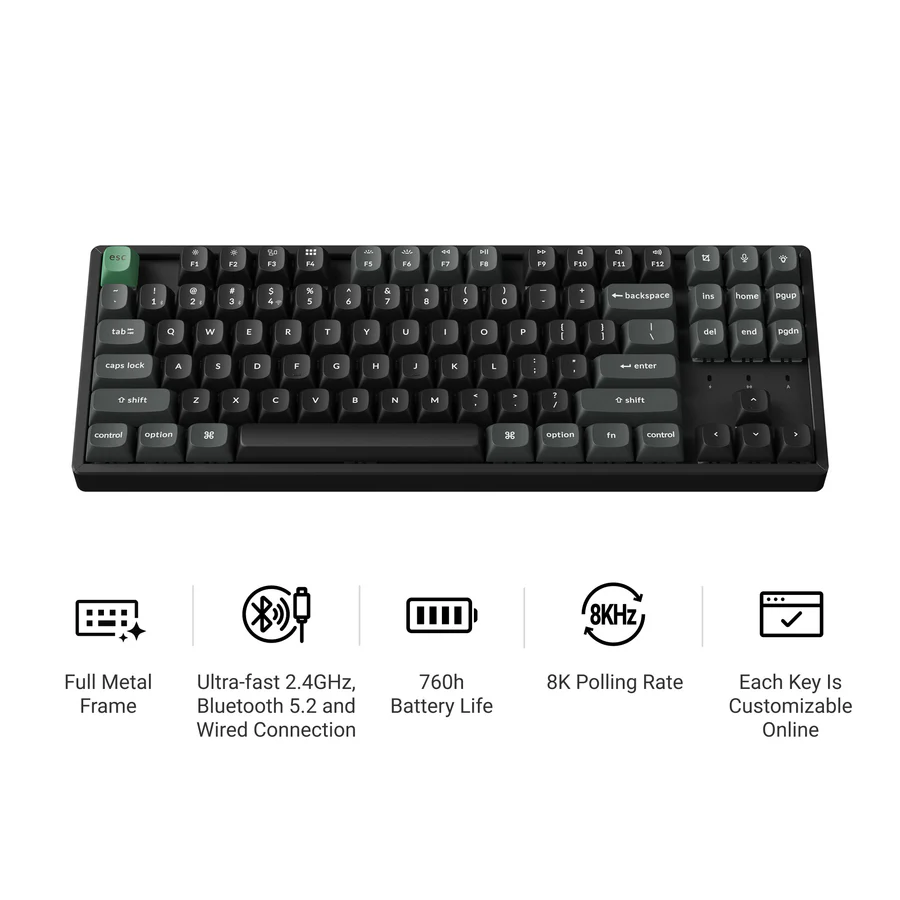
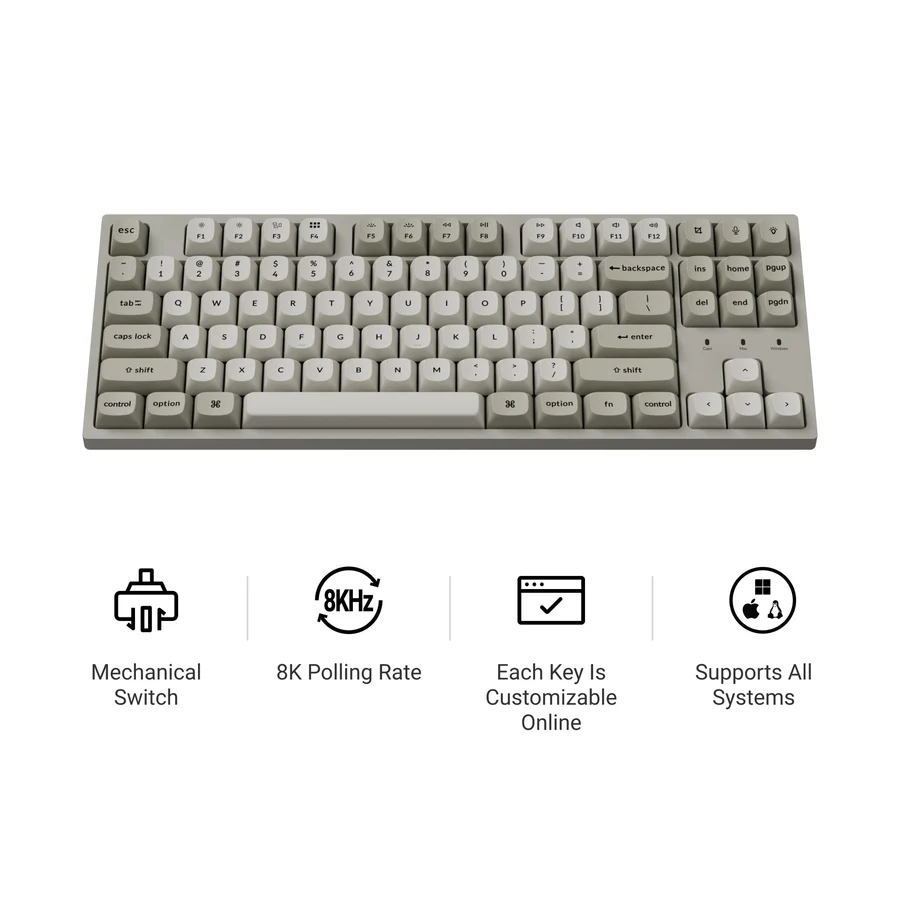
4. Keychron K8 Ultra 8K — Best TKL
The K8 Ultra 8K is one of Keychron’s most interesting new releases in 2026.
Its TKL layout removes the numpad but keeps dedicated function and navigation keys, making it easier to fit into a gaming or mixed-use desk setup.
Keychron combines 8,000 Hz polling over both wired and 2.4 GHz wireless connections with Bluetooth, hot-swappable mechanical switches, ZMK firmware, PBT keycaps, and extensive Launcher customization.
The manufacturer also claims up to 760 hours of wireless use with the backlight off, although real-world battery life will depend on settings and usage.
One practical complaint from independent reviews is its relatively tall design, so a wrist rest may improve comfort.
|
Best for: |
anyone wanting one TKL keyboard for both work and gaming. |
|
Main drawback: |
tall profile may not suit everyone. |
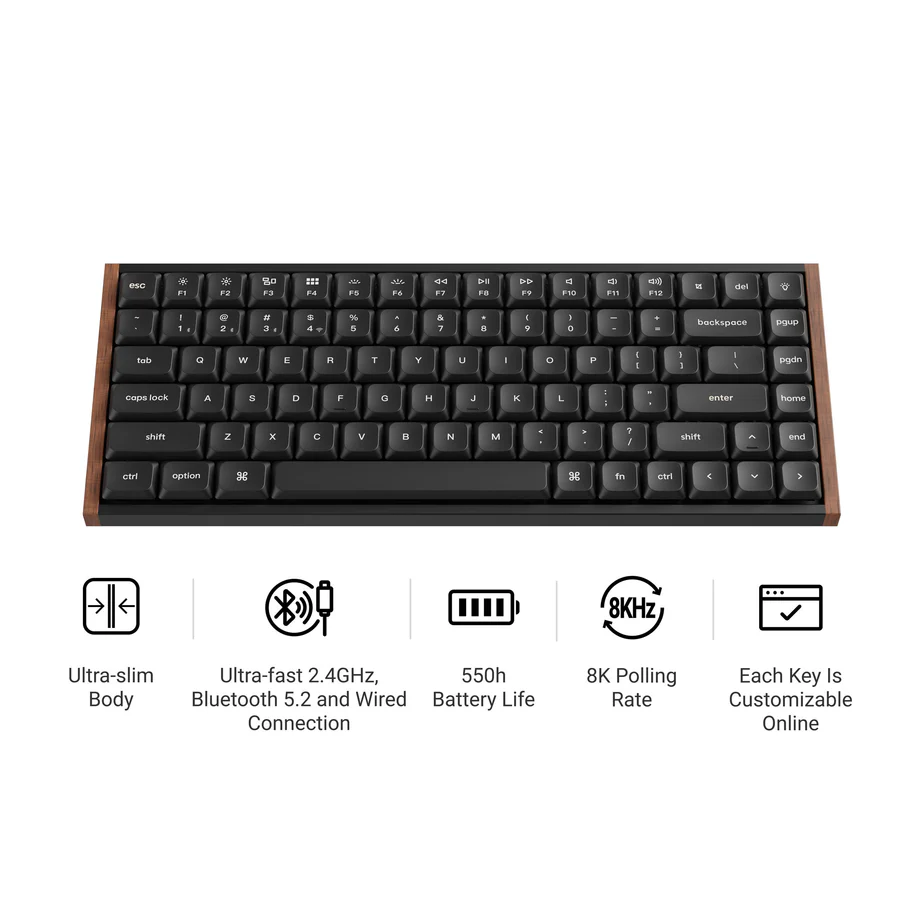
5. Keychron K3 Ultra 8K — Best low-profile for Mac
The K3 Ultra 8K is a better fit for people who like mechanical keyboards but dislike their usual height.
It combines a slim 75% layout with dedicated Mac and Windows compatibility, Bluetooth, 2.4 GHz wireless, wired connectivity, hot-swappable low-profile switches, and ZMK customization.
At roughly 566 grams according to Keychron, it is also dramatically easier to move around than something like the Q5 Max.
The smaller layout does mean giving up the numpad, and low-profile switches offer fewer customization choices than standard MX-style switches.
|
Best for: |
Mac users, laptop users, smaller desks, and portable setups. |
|
Main drawback: |
less switch flexibility than standard-profile boards. |
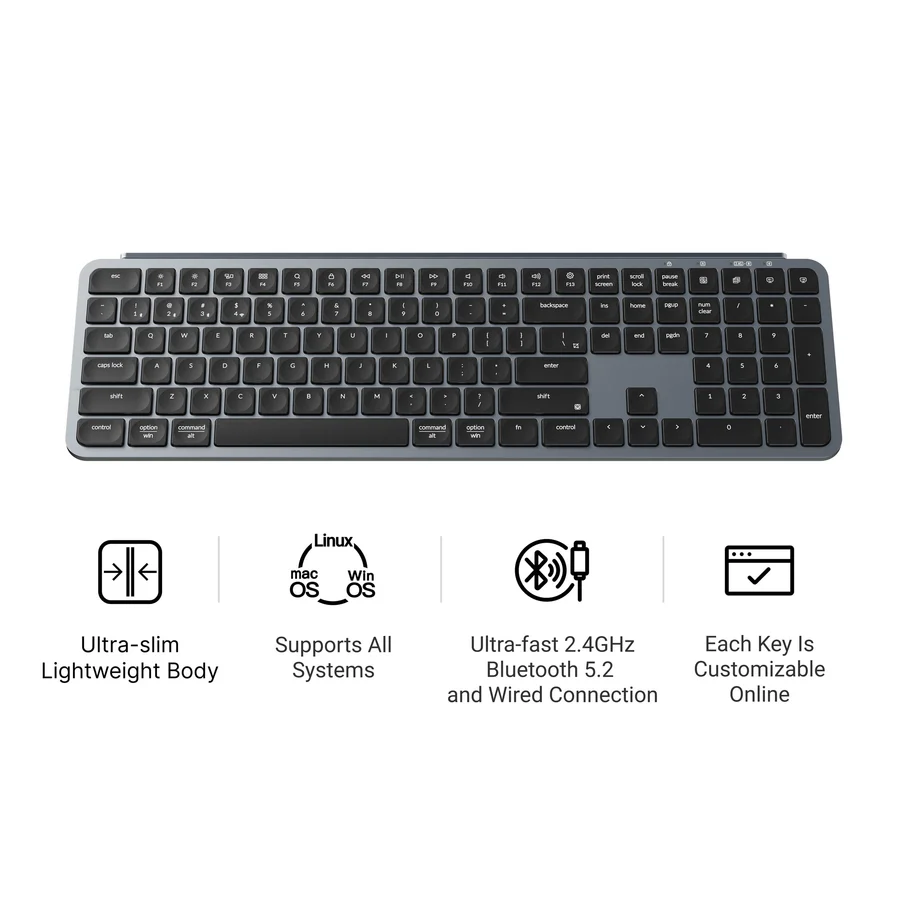
6. Keychron B6 Pro — Best for work
Not everyone shopping Keychron actually needs a mechanical keyboard.
The B6 Pro is a slim full-size wireless keyboard using scissor switches, making it closer in concept to a laptop keyboard or Logitech MX Keys than a traditional Keychron mechanical board.
You get a numpad, 2.4 GHz wireless, Bluetooth, wired connectivity, multi-platform compatibility, and an extremely thin profile.
It is also quieter and easier to use in a shared office than many mechanical keyboards.
Just do not buy it expecting the customizable switch feel that made Keychron famous.
|
Best for: |
office work, spreadsheets, shared spaces, and buyers who prefer laptop-style keys. |
|
Main drawback: |
not mechanical and not hot-swappable. |
7. Keychron C1 Pro 8K — Best cheap wired mechanical option
If wireless connectivity is unnecessary, the C1 Pro 8K offers a simpler route into Keychron’s mechanical lineup.
It uses a familiar TKL layout and includes hot-swappable switches, PBT keycaps, Keychron Launcher/QMK customization, and an 8,000 Hz polling rate.
The plastic construction and wired-only connection help keep things simpler than the Q, V, and K wireless families.
For a first mechanical keyboard, that simplicity can actually be a benefit. You get the important customization features without paying for wireless hardware or an aluminum chassis.
|
Best for: |
budget-conscious first-time mechanical keyboard buyers. |
|
Main drawback: |
wired only. |
Which Keychron should you buy?
For most buyers, we would narrow the decision down to three models.
Choose the Q5 Max if typing feel, build quality, and customization matter most.
Choose the V5 Ultra 8K if you want much of the same flexibility at a more approachable level.
Choose the Q1 HE 8K if competitive gaming and magnetic-switch features matter more than wireless connectivity.
For a slimmer setup, go with the K3 Ultra 8K. For straightforward office work, the B6 Pro may actually make more sense than any mechanical Keychron.
Final verdict
There is no single Keychron that works for everyone — which is exactly why the brand can be confusing.
The Q5 Max remains our best all-around recommendation, while the V5 Ultra 8K offers a compelling value alternative and the Q1 HE 8K is the obvious choice for buyers specifically chasing Hall Effect gaming features.
The important part is choosing the right series and layout before worrying about switch colors or RGB.
Once you do that, Keychron’s enormous catalog becomes much easier to navigate.
Popular Blog

.png)